Instruction:
What now exists
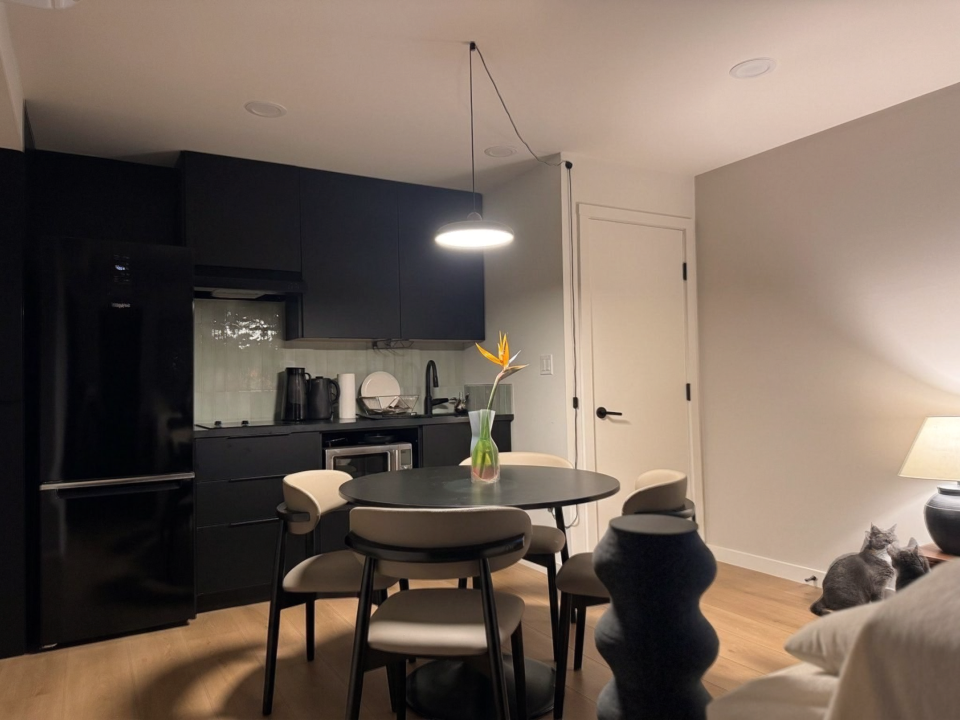
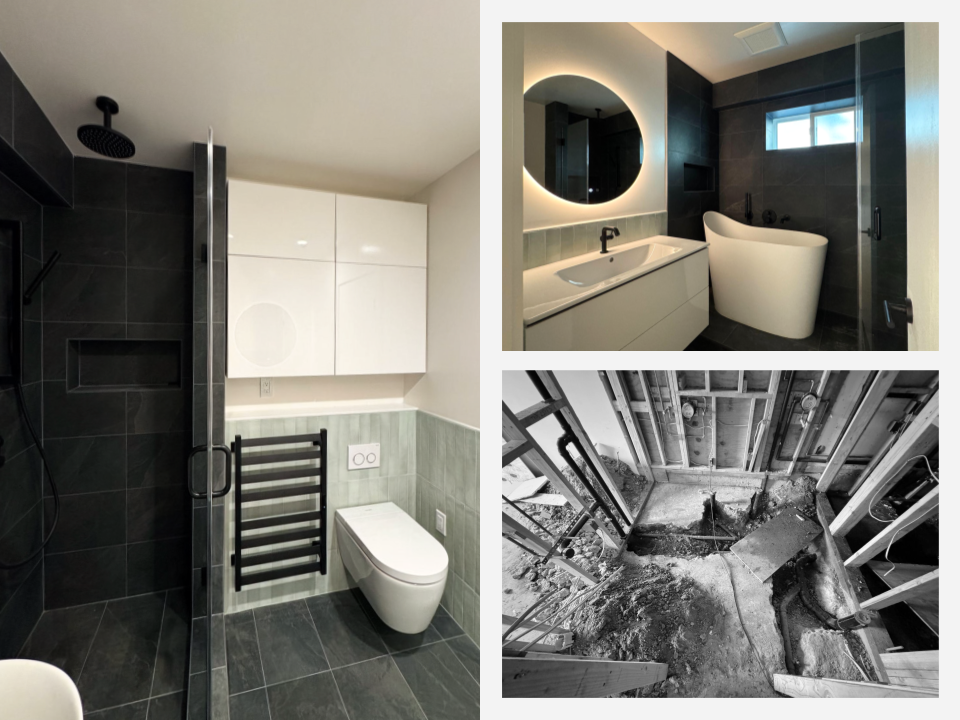
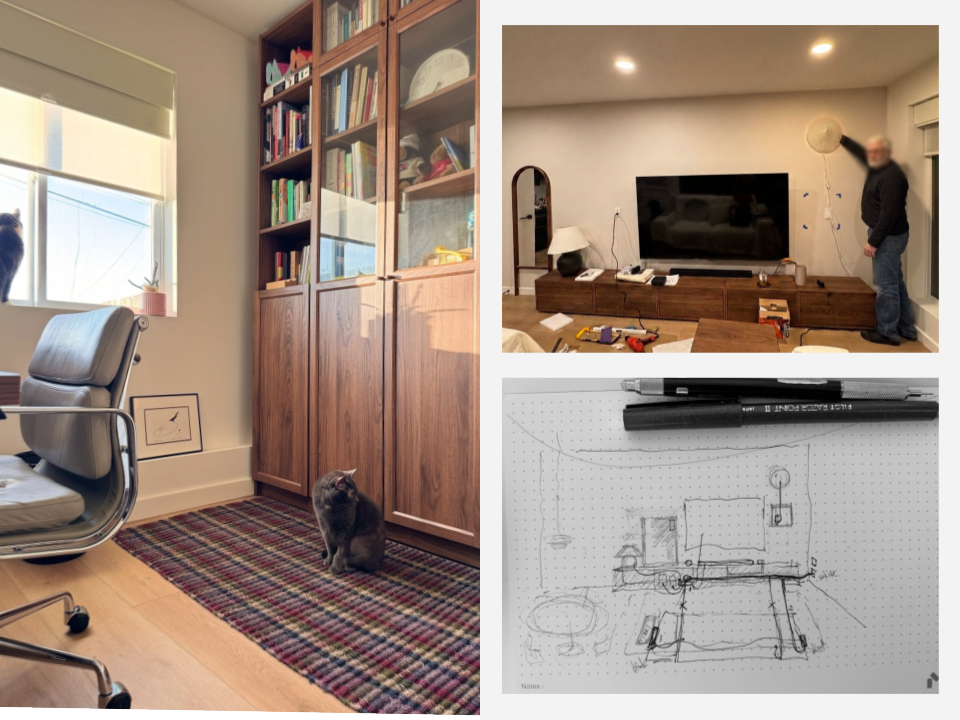
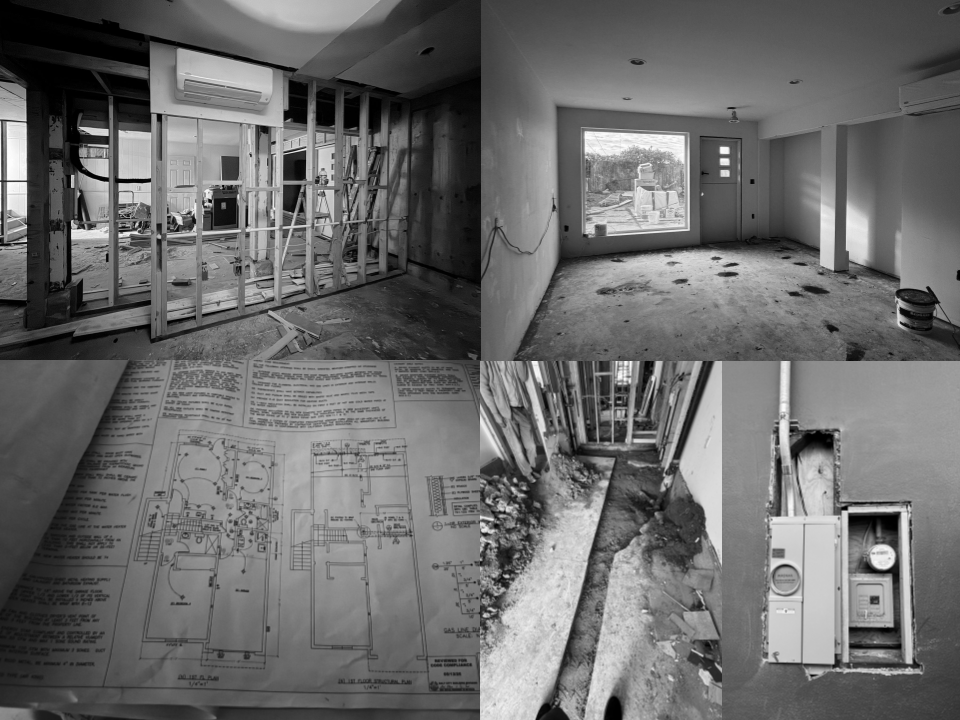
A new page called Image Library, sitting in Not Linked so it's invisible in your nav. It's live at placecraftsolutions.com/image-library. Your four ADU images are on it, uploaded from your Drive folder. Scroll to the bottom card of the test page — Exp.6 ADU — and click the arrows. Those are your real images, loading from Squarespace.
Your workflow from here — uploading
Pages → Not Linked → Image Library → Edit
Hover the grid of images → EDIT GALLERY (top right)
Click the + at the top of the panel → Upload Images
Select as many files as you want — it takes them all at once
Close → Save
That's it. Drag, drop, done. No code.
Your workflow from here — getting the URL
Open placecraftsolutions.com/image-library in a normal browser tab (not the editor)
Right-click the image → Copy image address
You'll get something like:
https://images.squarespace-cdn.com/content/v1/683784a3e9241f5c72ed5fb8/c2c18e2d-8253-4162-aee2-50ba98bb50c7/01.png?format=1500wThat's a permanent address. Every image gets its own random ID in the middle, which is why you can't guess them — you have to copy them.
Where to paste it
At the very bottom of the Projects code block there's a block marked IMAGE LIST. Each project has its own line. Paste the whole URL inside quotes, with a comma after:
js
exp6: [
  "https://images.squarespace-cdn.com/content/.../01.png?format=1500w",
  "https://images.squarespace-cdn.com/content/.../02.png?format=1500w"
],
Add a line, get another slide. Delete a line, lose a slide. Nothing else in the page needs touching. (You'll see I wrote Exp.6 using a CDN + shorthand to save typing — pasting the full URL in quotes works identically, and is the safer habit for you.)
Three things worth knowing
Name your files before you upload. The filename survives into the URL. Four projects' worth of 01.png will be impossible to tell apart when you're looking at the code six months from now. adu-01.png, cottage-01.png costs you nothing and saves real confusion.
Don't delete an image from the library page once it's used on Projects — the URL dies and the slide goes blank. Treat that page as permanent storage, add-only.